










 €39.00
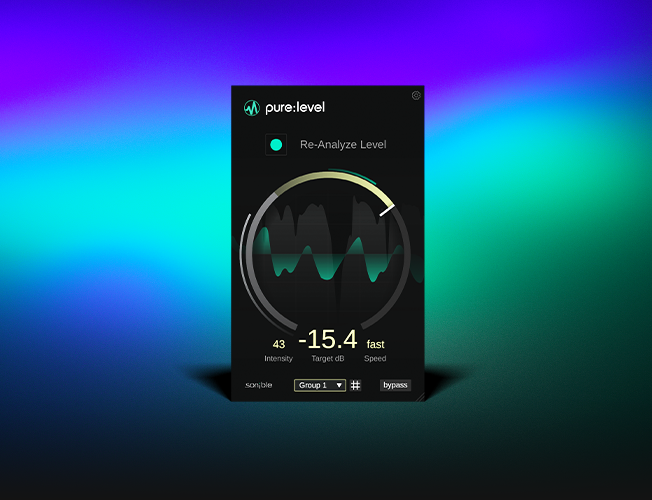
pure:level
This compact AI-powered leveler and level rider delivers consistent levels and natural dynamics. Balance changing signals quickly without endless volume automation.

 €39.00
This compact AI-powered leveler and level rider delivers consistent levels and natural dynamics. Balance changing signals quickly without endless volume automation.
 €179.00
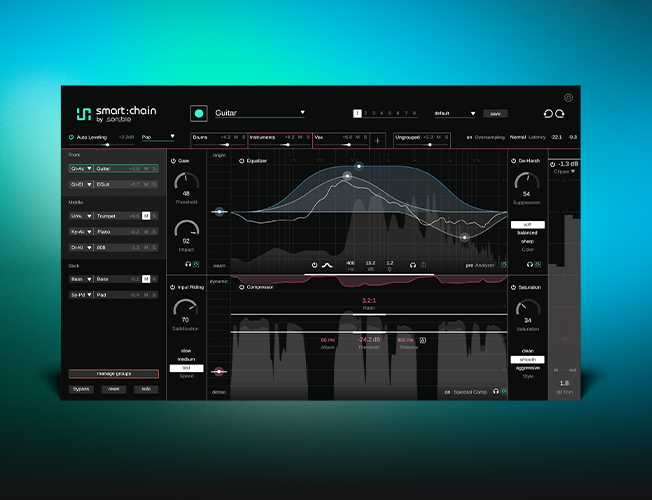
This AI-assistive channel strip offers eight connected processors and mix-wide control. Get balanced starting points faster and manage your mix from one place.
 €249.00
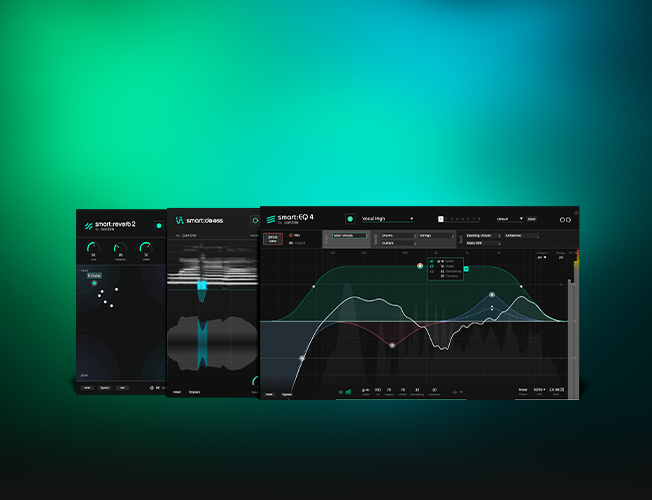
Get three AI-powered tools for perfect vocals – EQ, de-essing and reverb. Shape tone, control sibilance and add space for polished vocals with a faster workflow. Save 36% by buying the bundle.
FAQ
The location where prime:vocal saves its analysis data depends on how the tool is being used — whether as a standalone application or as an ARA plug-in.
If you want to continue working on a session created with the standalone application at a later time, you can save the session as a prime:vocal session file (*.pvocproj) under “File > Save Session.” The session file saves the parameter settings of all currently opened audio files. Besides, all analysis data will be saved to a separate folder called “analysis” next to the session file.
If you’re not planning any further editing steps after exporting the files, you can simply close prime:vocal and the temporary session will be deleted.
When saving a DAW session, prime:vocal stores its analysis data in one of two locations:
DAW Project’s Media Folder
This is the default option if your DAW supports it. Storing analysis data in the project’s media folder ensures that all data remains tied to the DAW project, making it easier to manage and share sessions with others.
Music Folder / Custom Folder
If your DAW does not support storing analysis data in the media folder, or if you’ve disabled this option (see below), the data will be stored in a custom folder. By default, this folder is the “Music” directory in your user account:
You can customize the location of this folder in the plug-in settings.
Customization Options
On the plug-in's settings page, you can adjust where analysis data is stored:
HINT: The analysis data can be quite large - approximately 90 MB per minute of audio. For this reason, it can be helpful to export a track that has been fully processed with prime:vocal, import the optimized file, and then remove prime:vocal and the analysis data from the project.
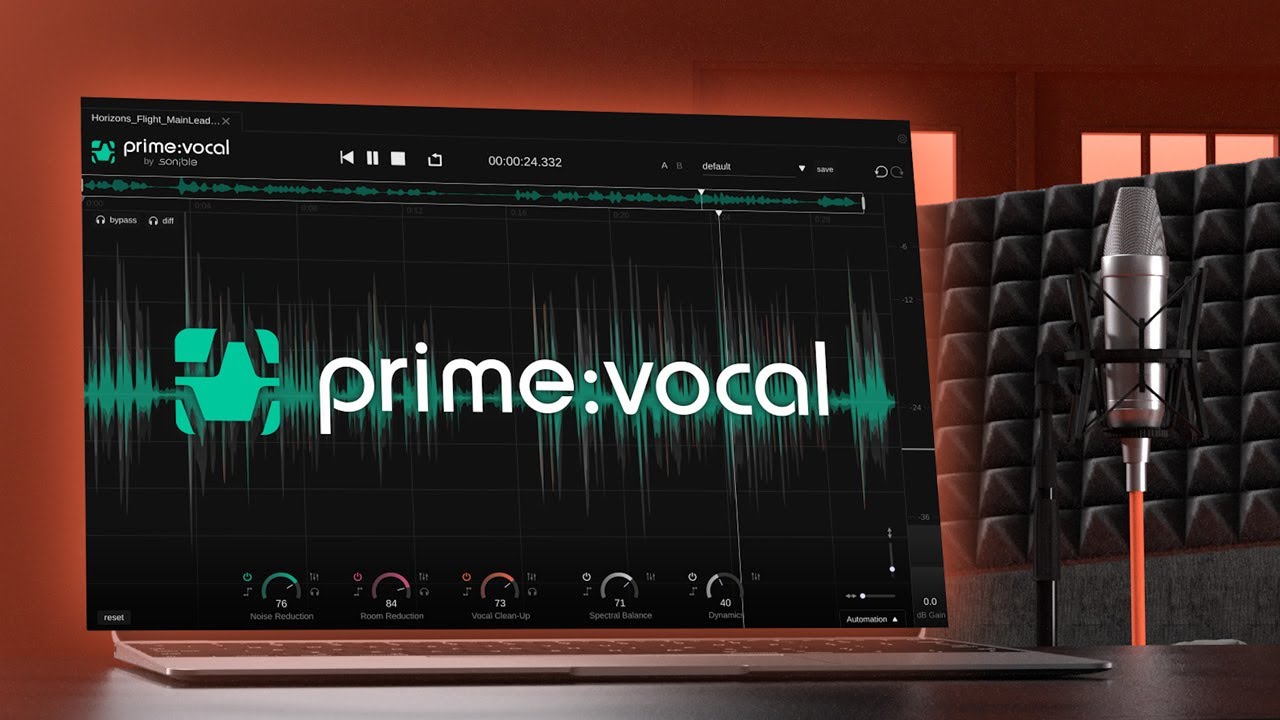
prime:vocal uses neural networks to detect and correct issues in the audio file. These networks require relatively high computational resources, which means that the complete analysis of an audio file (depending on the target system’s hardware) will take approximately the length of the analyzed file (for example, analyzing a 1-minute file can take about 1 minute).
The good news is that you can start working on the audio file (or the audio clip in the ARA version) while the analysis is still in progress. Sections that have already been analyzed will turn green in the track overview and are ready for processing.
prime:vocal requires access to the entire audio file to perform its advanced clean-up and enhancement processes. Standard plug-in formats like AU, VST3, or AAX operate in real time, processing audio as it plays back. While this works well for effects like EQ, compression, or reverb, it poses limitations for tools that rely on analyzing the full audio signal.
To address this, prime:vocal is available as a standalone application and as an ARA (Audio Random Access) plug-in (Beta). ARA technology allows prime:vocal to access the complete audio data of a track or clip at once, enabling precise, offline-style analysis and processing. This ensures a seamless and non-destructive workflow within compatible DAWs.
Unfortunately, we cannot make the ARA AAX beta version of prime:vocal publicly available, as Pro Tools deliberately restricts the use of ARA to certain tested plug-ins.
Note: prime:vocal v1.0.0 supports ARA only in a beta version. As a result, processing may occasionally be unstable and could lead to unexpected crashes. For a detailed list of known issues related to prime:vocal's ARA support, please visit this page.
In Studio One, ARA plug-ins are not added as traditional insert effects for a track; instead, they must be applied as “Event FX” on specific audio events (audio clips).
For general information on how to use prime:vocal as an ARA plug-in, please refer to this blog post.
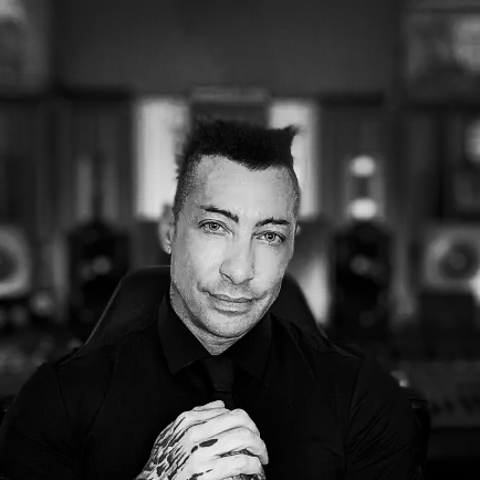
“It's absolutely insane. Only the default settings would clean up vocals, recorded in a non-ideal environment at home, for at least 80%.”
– David Gnozzi

“I personally think, prime:vocal will save me a lot of time, because it handles various processes at the same time - all in one tool.”
– Eric Kauffmann

“Incredible processor, incredible usability - combined in this great tool to eliminate noises, sibilance or occlusive sounds.”
– Alonso Ararat
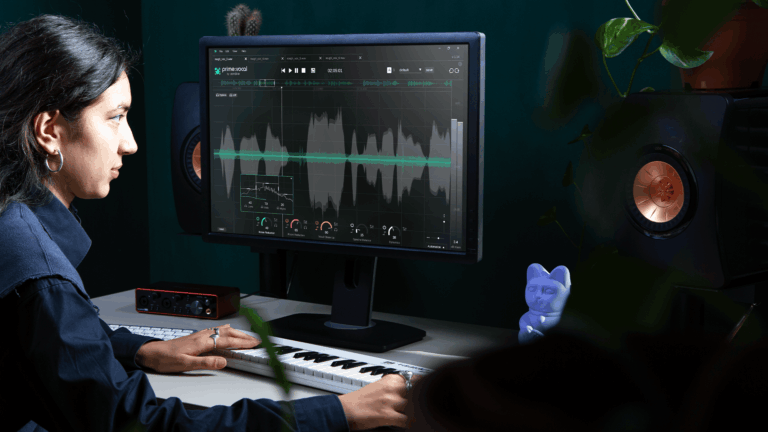
In this article, we’ll help you to optimize your home vocal recording in 10 simple steps – from the right room to microphone positioning.
Read more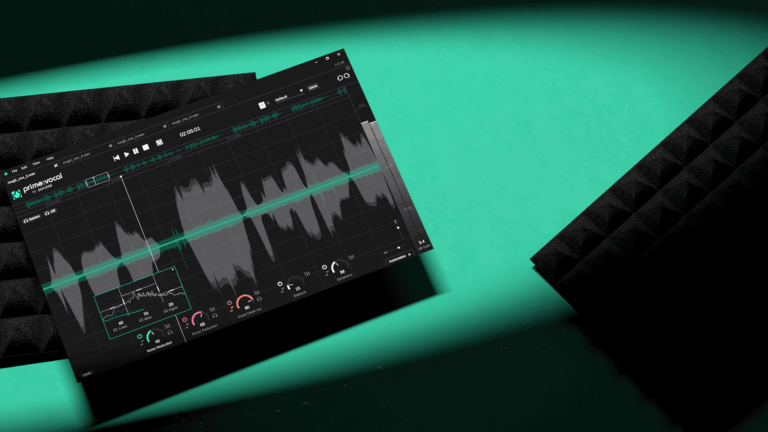
Learn how to use prime:vocal as standalone software to enhance vocal and speech recordings in just a few steps.
Read more
Discover how ARA technology works and what advantages it has.
Read more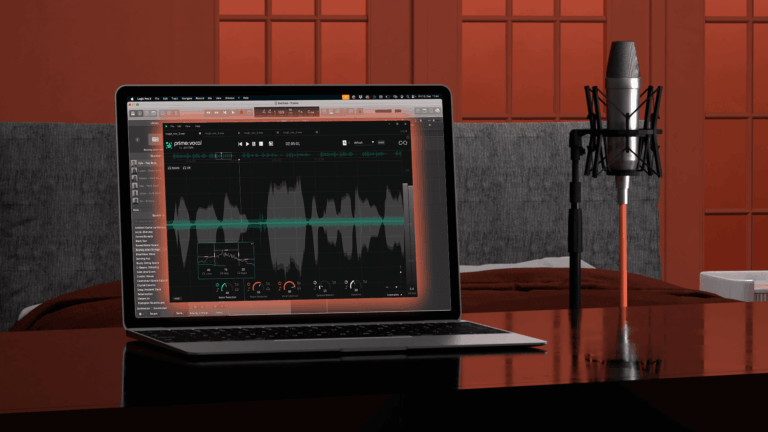
Learn how to integrate prime:vocal as an ARA plug-in into your DAW to streamline your workflow.
Read more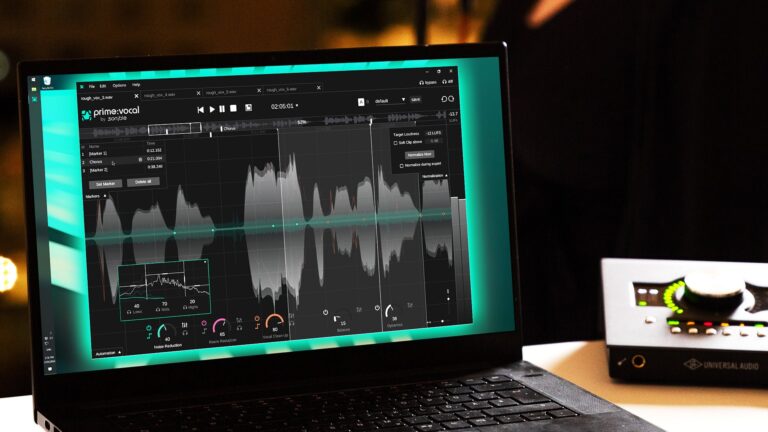
Get started with prime:vocal. In this user guide we show you how to use this tool to treat a vocal track after recording to sound like it was recorded in a studio.
Read more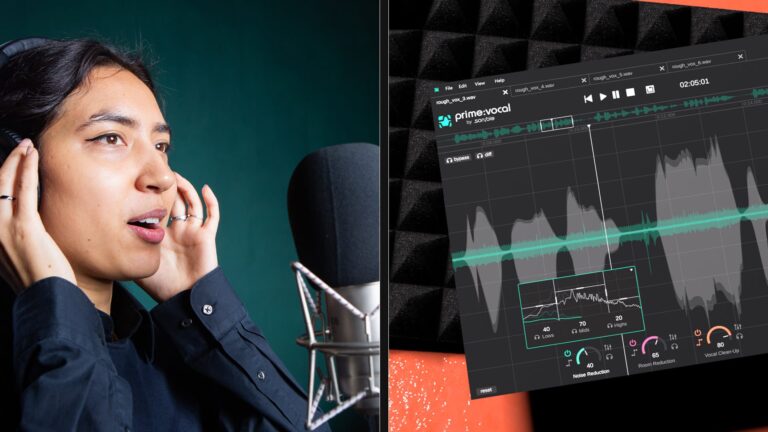
Every vocalist is different, every producer is different, so here are the effects you’ll want to consider when mixing the perfect vocal.
Read more