
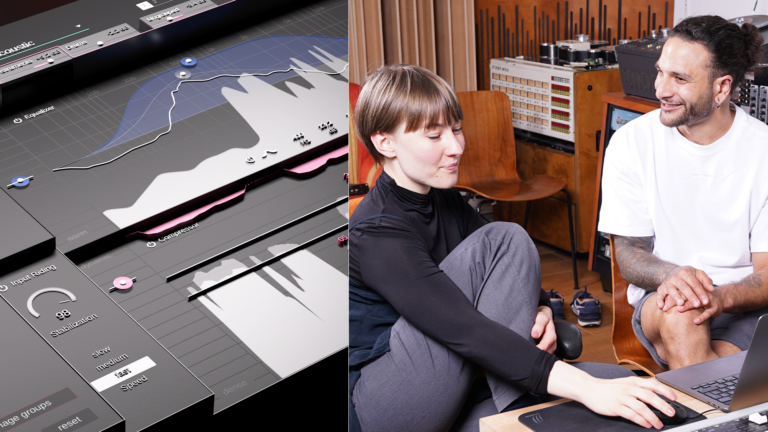
smart:chain User Guide
smart:chain comes with multiple built-in processors that work together as one system, and session-wide features for a great mixing workflow.
Read more about smart:chain User Guide
Get to know your sonible plug-ins and discover everything they can do for your sound. From intelligent features and essential controls to advanced processing techniques, our sonible plug-in user guides help you make the most of your tools. Explore practical tutorials, useful tips and creative workflows to work smarter, mix faster and stay in full control of your sound.
smart:chain comes with multiple built-in processors that work together as one system, and session-wide features for a great mixing workflow.
Read more about smart:chain User Guide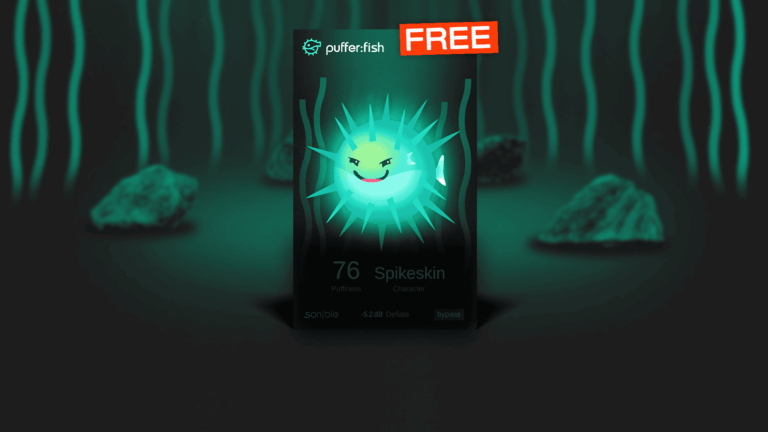
puffer:fish is a free saturation plugin made to encourage play, curiosity, and bold ideas.
Read more about puffer:fish User Guide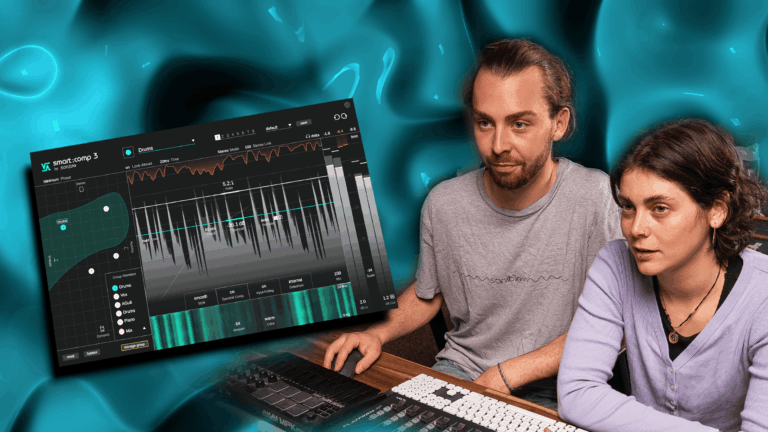
Check out all the awesome features of smart:comp 3 and make compression a natural part of your creative workflow.
Read more about smart:comp 3 User Guide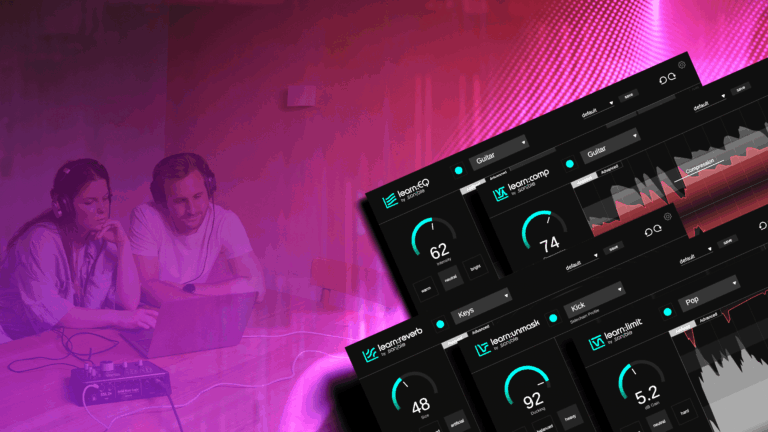
We've prepared some tutorials feat. the learn:bundle to make sure that the start of your mixing journey is as smooth as can be.
Read more about learn:bundle User Guide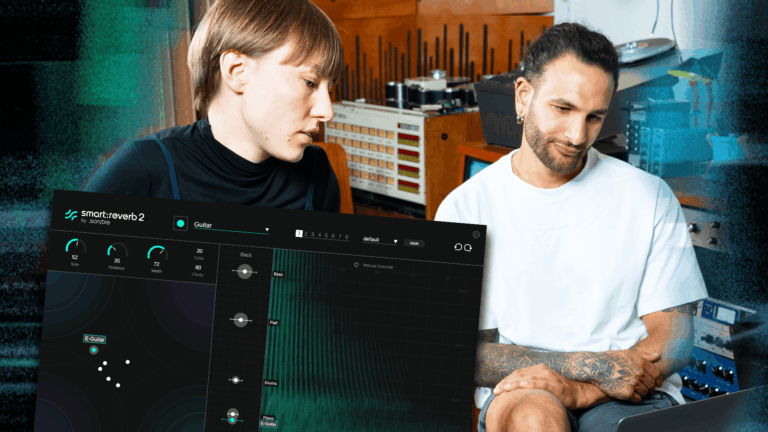
smart:reverb 2 picks up where conventional reverb plugins reach their limits.
Read more about smart:reverb 2 User Guide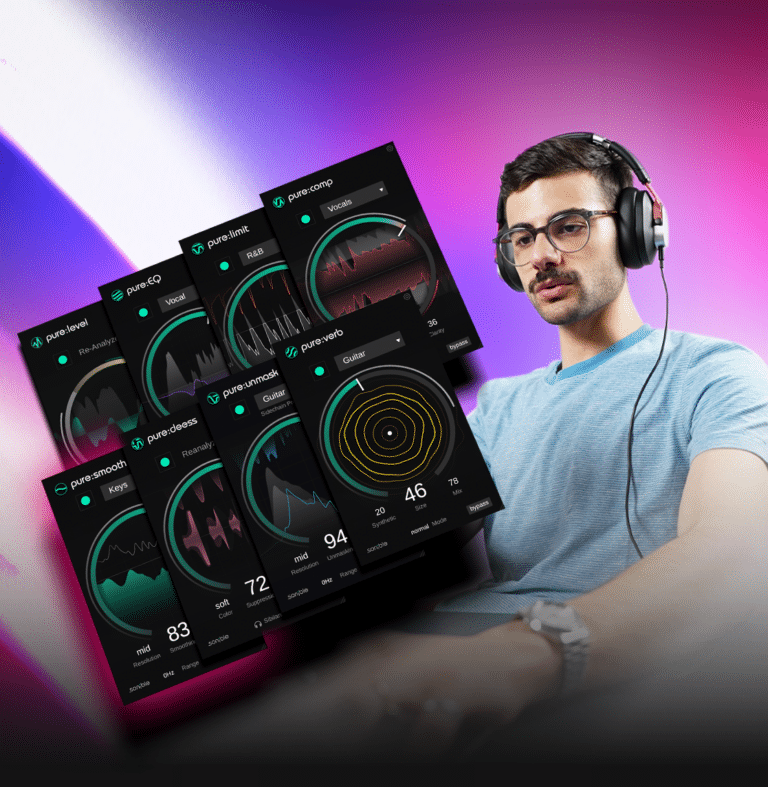
Get started with the pure:bundle and learn how to speed up your workflow using pure:EQ, pure:deess, pure:unmask, pure:comp, pure:verb and pure:limit.
Read more about pure:bundle User Guide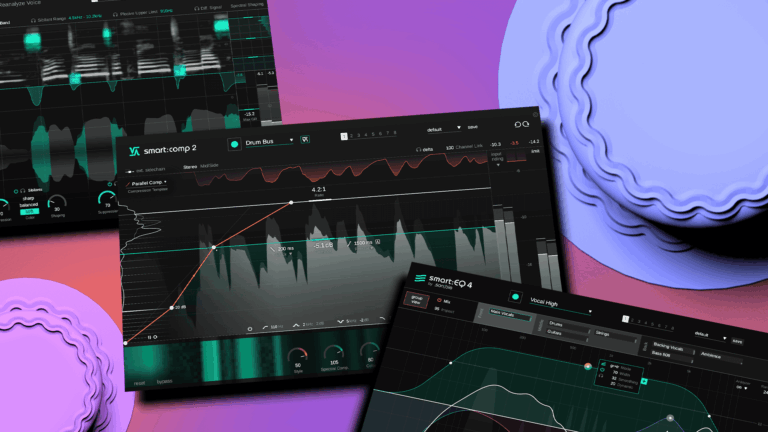
Got smart plug-ins? Then you’ve got options. Try out these techniques in mixing to make the best use of these intelligent devices.
Read more about 11 smart:chains – Try These Mixing Recipes for our ‘smart’ Plug-ins Range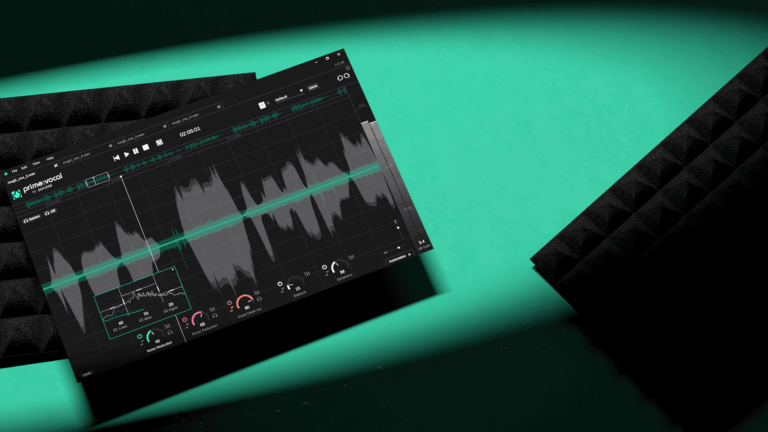
Learn how to use prime:vocal as standalone software to enhance vocal and speech recordings in just a few steps.
Read more about Run prime:vocal as a standalone application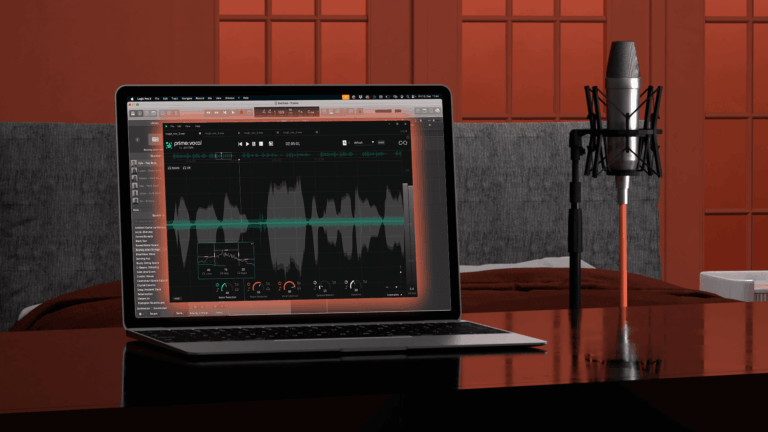
Learn how to integrate prime:vocal as an ARA plug-in into your DAW to streamline your workflow.
Read more about Integrate prime:vocal into your DAW as an ARA plug-in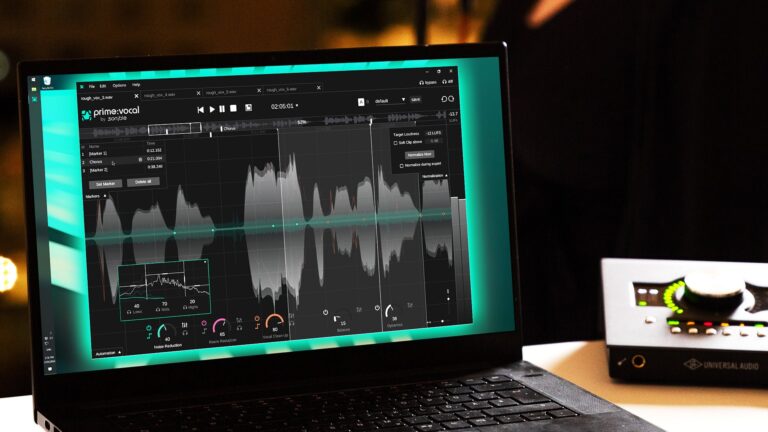
Get started with prime:vocal. In this user guide we show you how to use this tool to treat a vocal track after recording to sound like it was recorded in a studio.
Read more about prime:vocal User Guide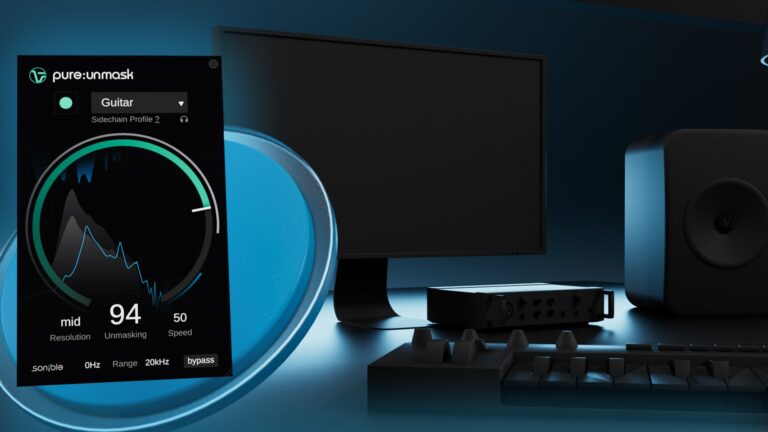
For correct usage, pure:unmask and learn:unmask need a sidechain routing to be set up – we explain how it is done.
Read more about How to Set up a Sidechain Signal in All Major DAWs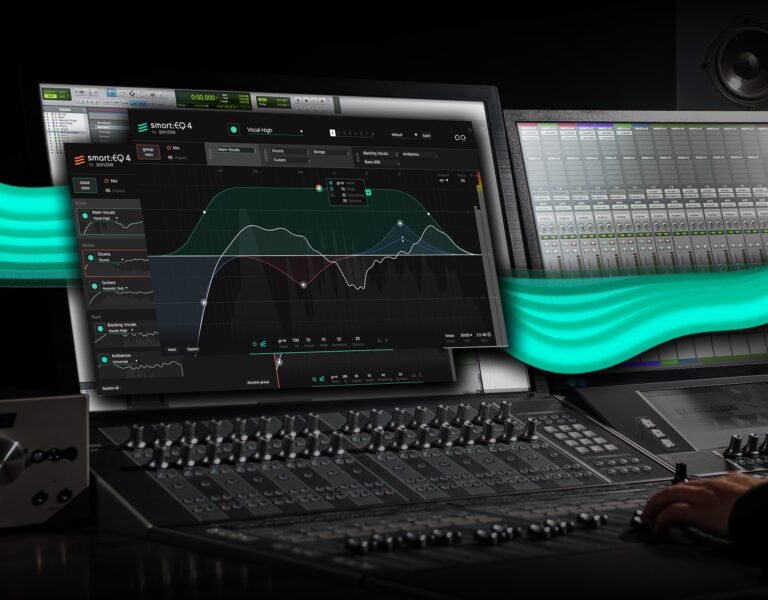
You want to replicate a certain sound – be it warm vocals or an entire mix? smart:EQ 4 has got you covered with its reference track feature.
Read more about smart:EQ 4’s reference track feature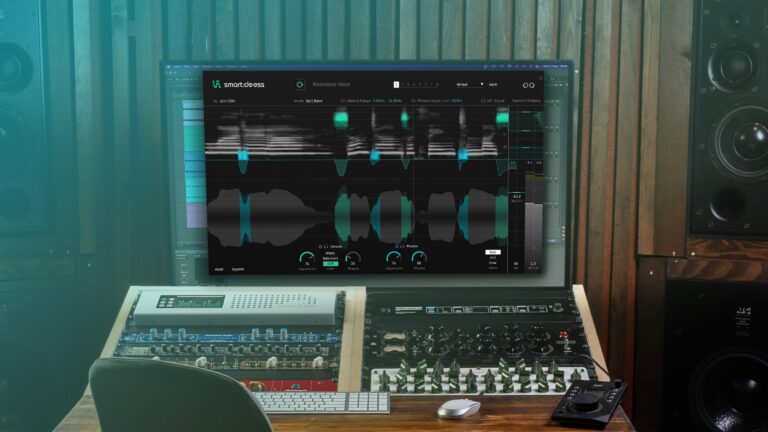
Learn all about the unique features of smart:deess, the world’s first AI powered de-esser with industry leading spectral de-essing, plosive removal, and “re-essing”.
Read more about An Introduction to smart:deess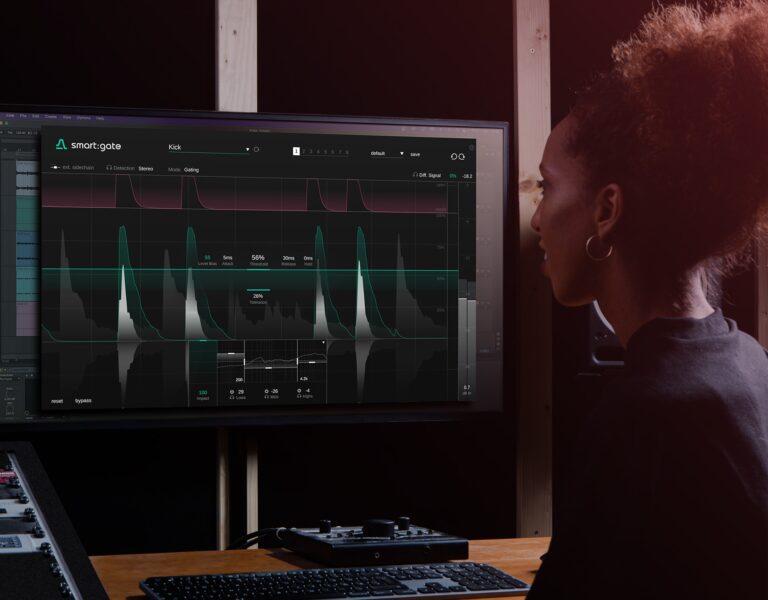
Get started with our content-aware plug-in smart:gate and learn how simple gating can be.
Read more about smart:gate User Guide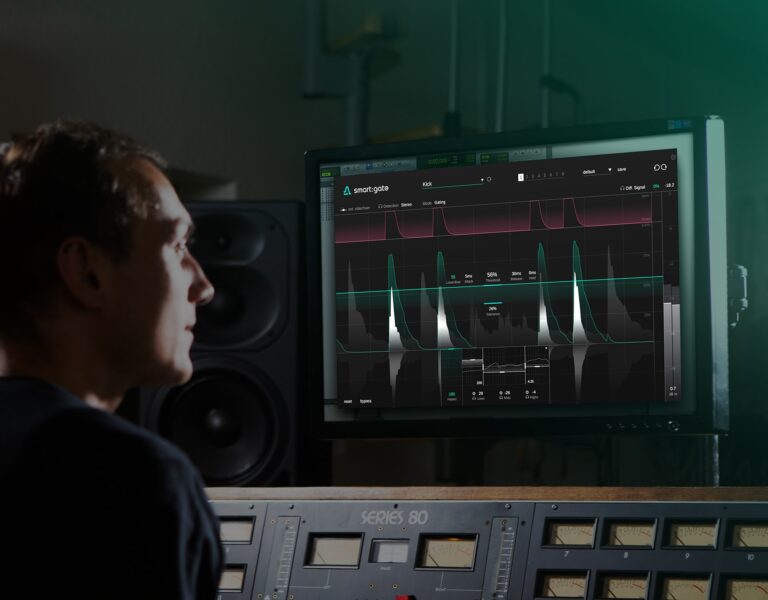
Learn how to to separate a kick from a snare with our content-aware smart:gate plug-in.
Read more about Working on a drum loop with smart:gate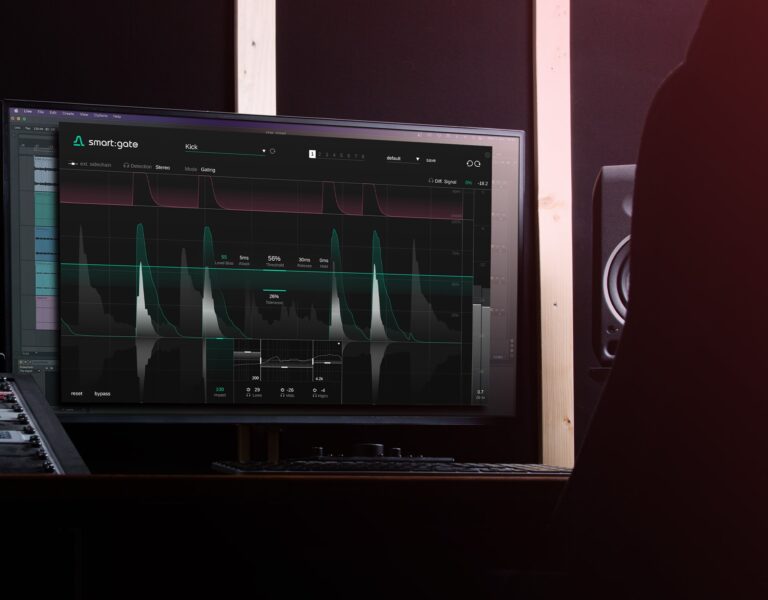
Our plug-in smart:gate helps to easily remove microphone rumble and bleed from vocal tracks. Check out the tutorial to find out how easy gating can be.
Read more about Gating a vocal track with smart:gate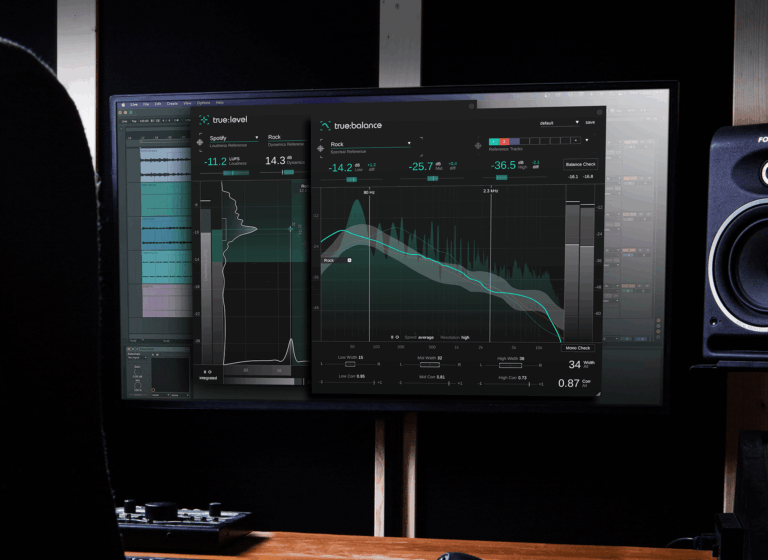
Visit the true:balance User Guide to see all tutorials featuring the unique spectral metering plug-in.
Read more about true:balance User Guide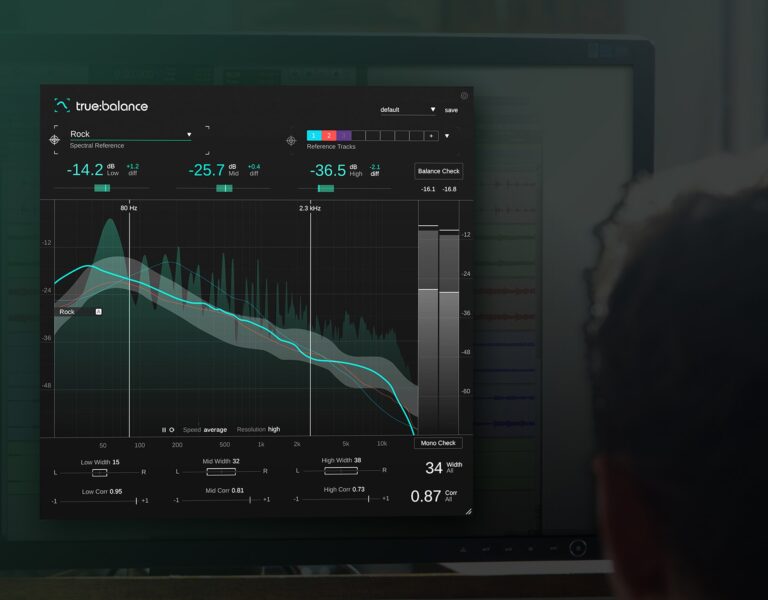
Learn how to use the spectral metering plug-in true:balance with reference tracks.
Read more about true:balance and reference tracks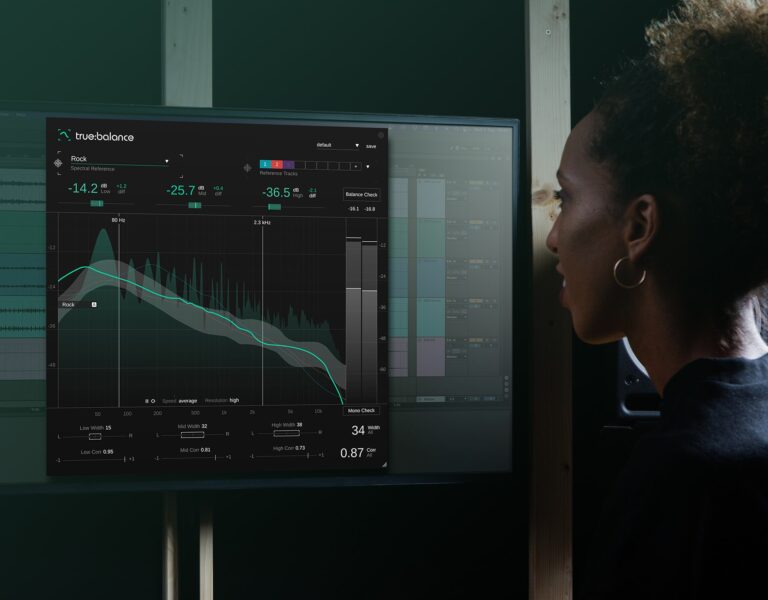
In this tutorial, we show you how to get started with true:balance to get your mix ready for publishing.
Read more about true:balance’s main features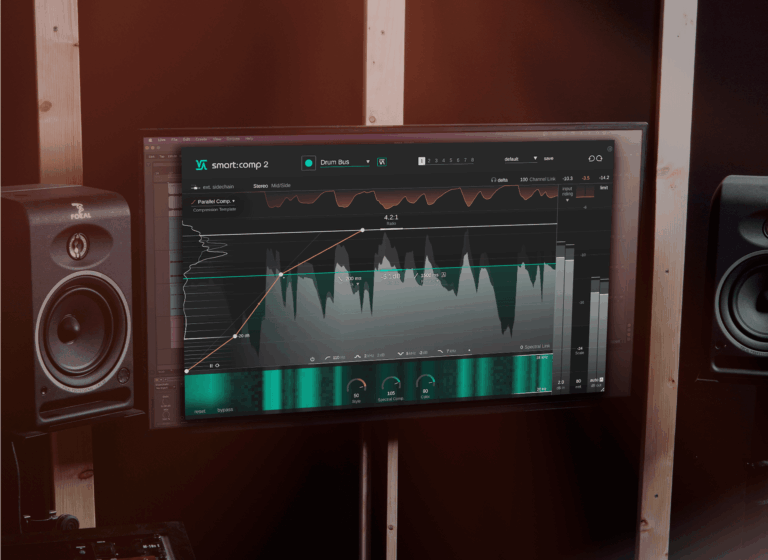
The free-form transfer function is a marvel for all of you who want to go for sophisticated compression goals. We show you what you can achieve with this feature.
Read more about smart:comp 2’s free-form transfer function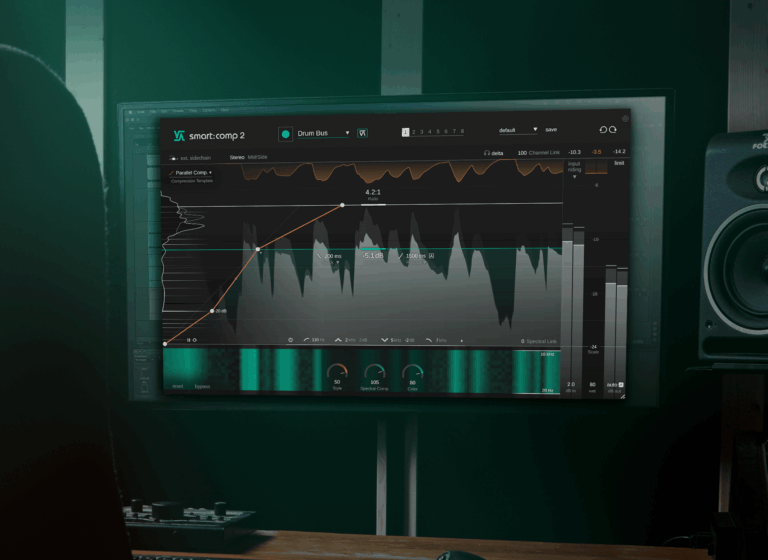
Spectral compression is a technology by sonible that once you've tried it, you wouldn't want to go without it.
Read more about Spectral processing in smart:comp 2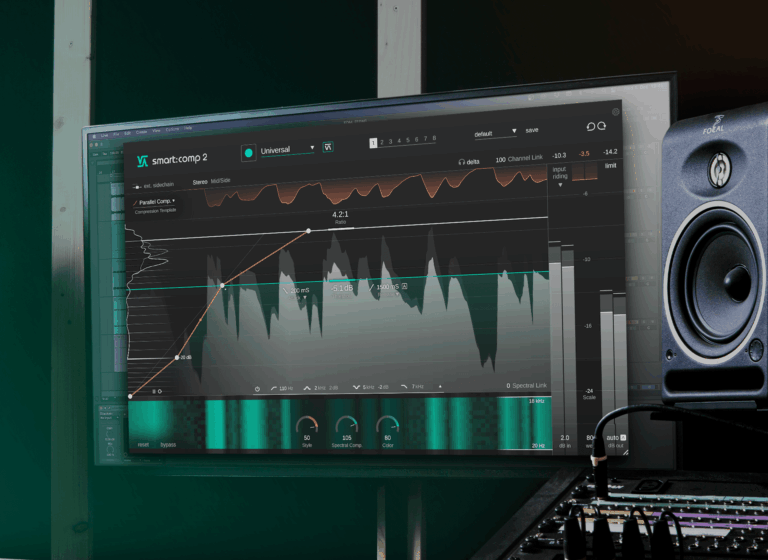
There is a lot to discover in this exceptionally versatile go-to compressor. Check out the smart:comp 2 User Guide to make sure you don’t miss any of our tutorials.
Read more about smart:comp 2 User Guide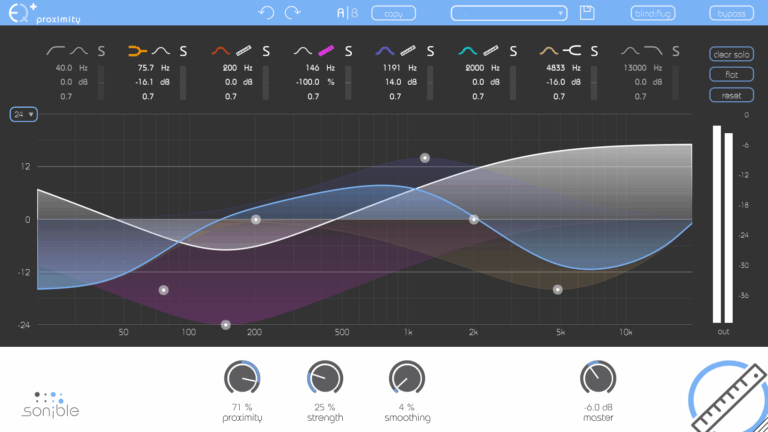
Check out these short tutorials for the most important functions and application areas of proximity:EQ+.
Read more about Basic tips and advanced tricks: The proximity:EQ+ user guide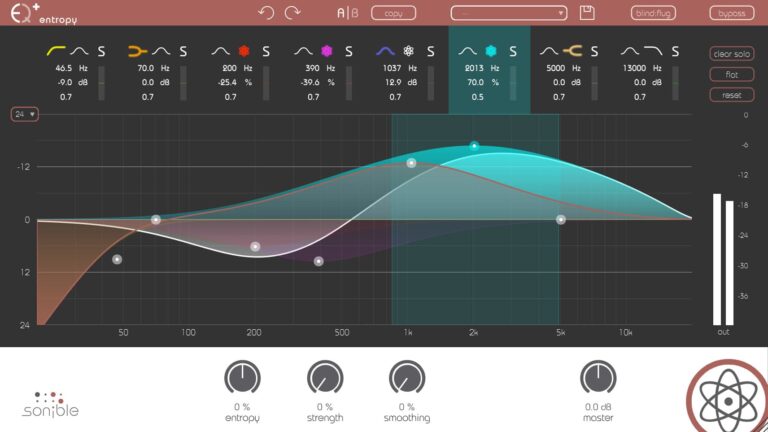
Check out these short tutorials for the most important functions and application areas of the self-learning entropy:EQ+ plug-in by sonible.
Read more about Basic tips and advanced tricks: The entropy:EQ+ user guide