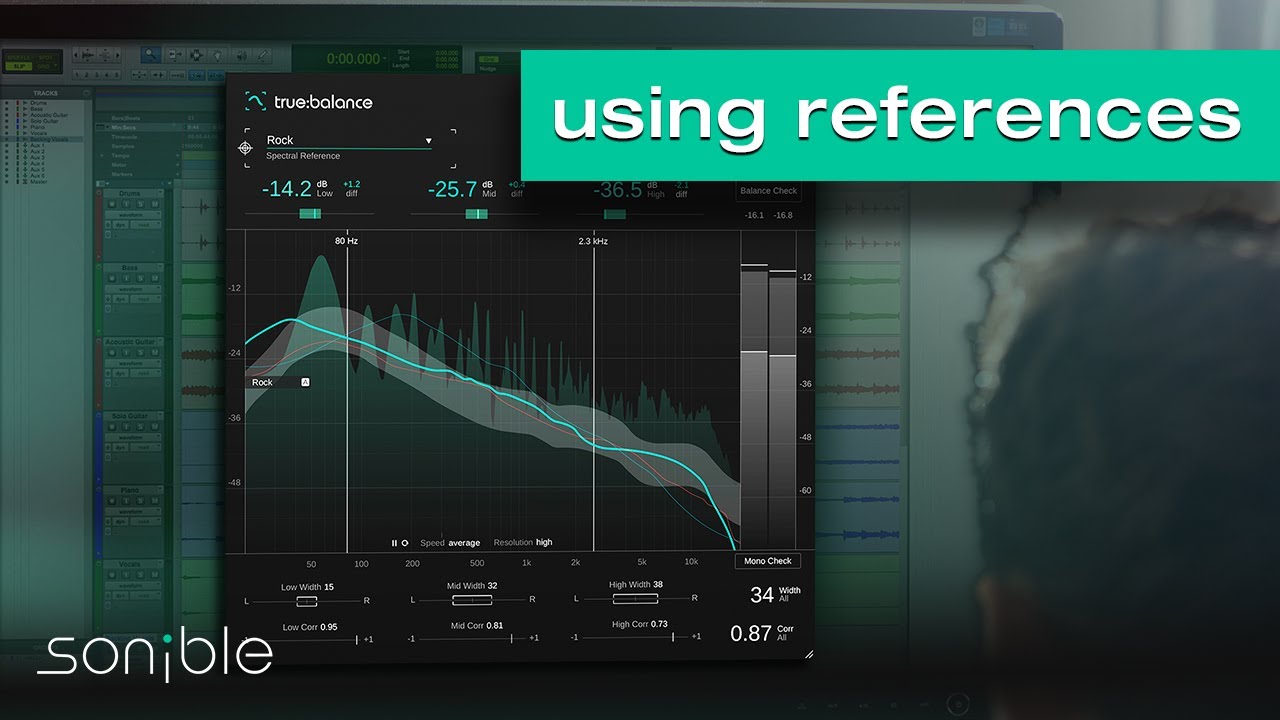
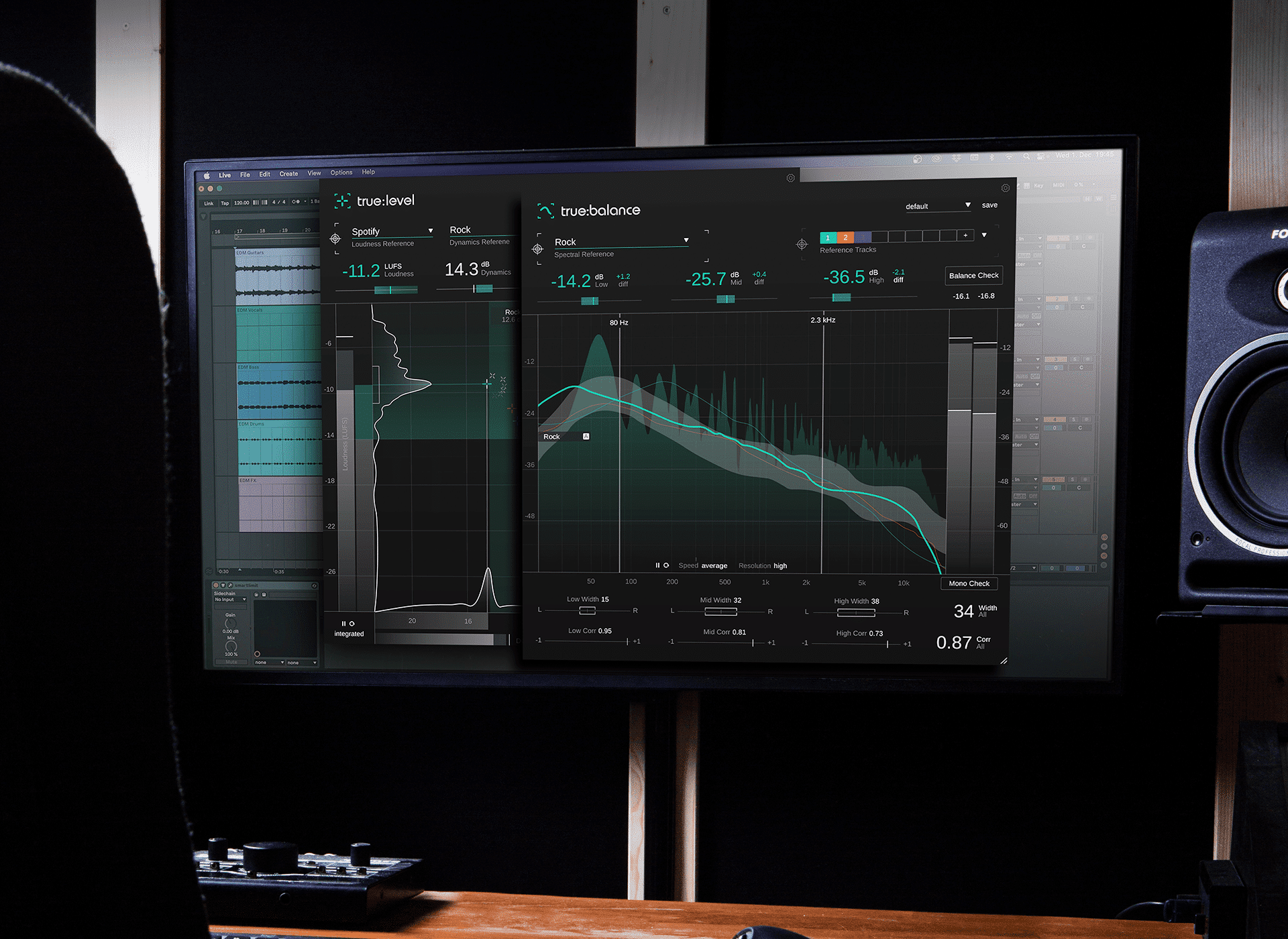
true:balance is spectral analyzer plug-in that makes it easy to compare the spectral distribution of your mix in reference to different spectral targets.
The plug-in provides all the information and guidance you need for a well-balanced mix. An adjustable spectrum analyzer displays both the real-time spectrum of the input signal and the average spectrum over time. To meet listening expectations, true:balance also allows to compare the spectral distribution of a mix in reference to either different genres or custom reference tracks. Additionally, the plug-in provides you with information on the width and correlation of your track to avoid issues with mono compatibility or a blurry low end.
For further in-depth instructions please download the true:balance manual.
Get started with true:balance by watching the tutorial below. It’ll show you how to work with true:balance’s main features.
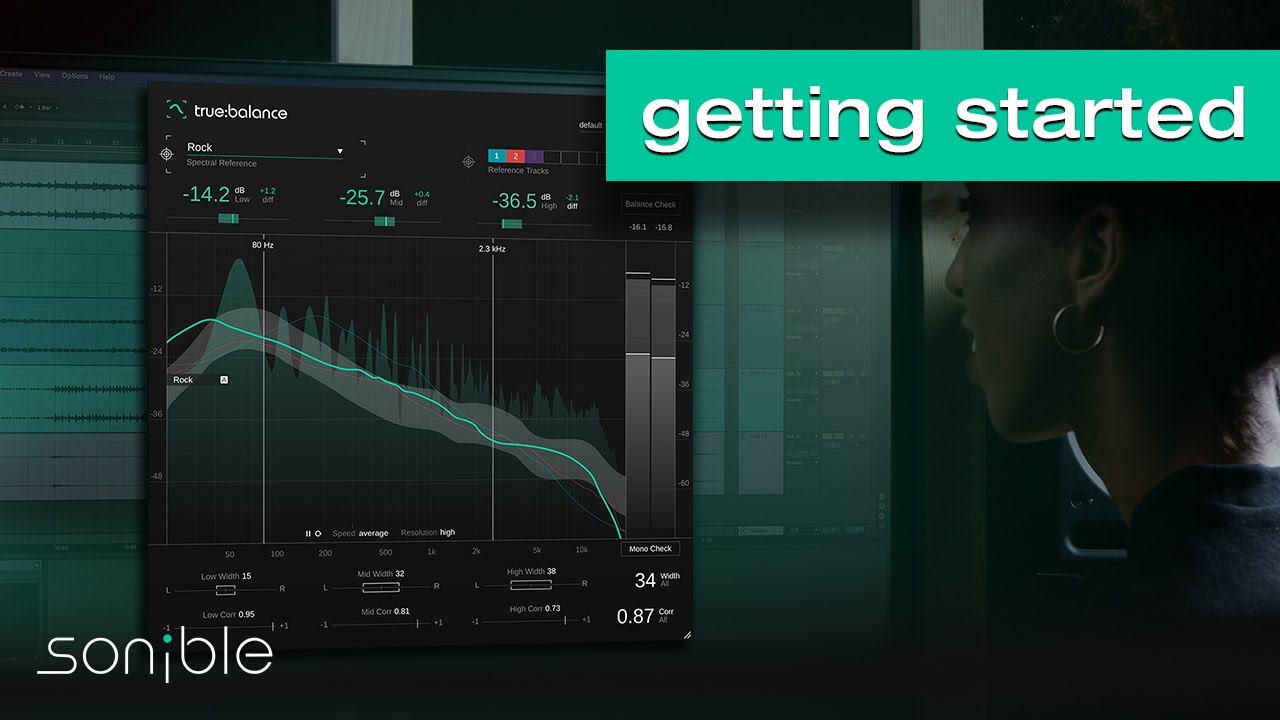
In this tutorial you will learn how to work with reference tracks and the channel data section of true:balance.